Choosing a browser for a MacBook Air that stays fast
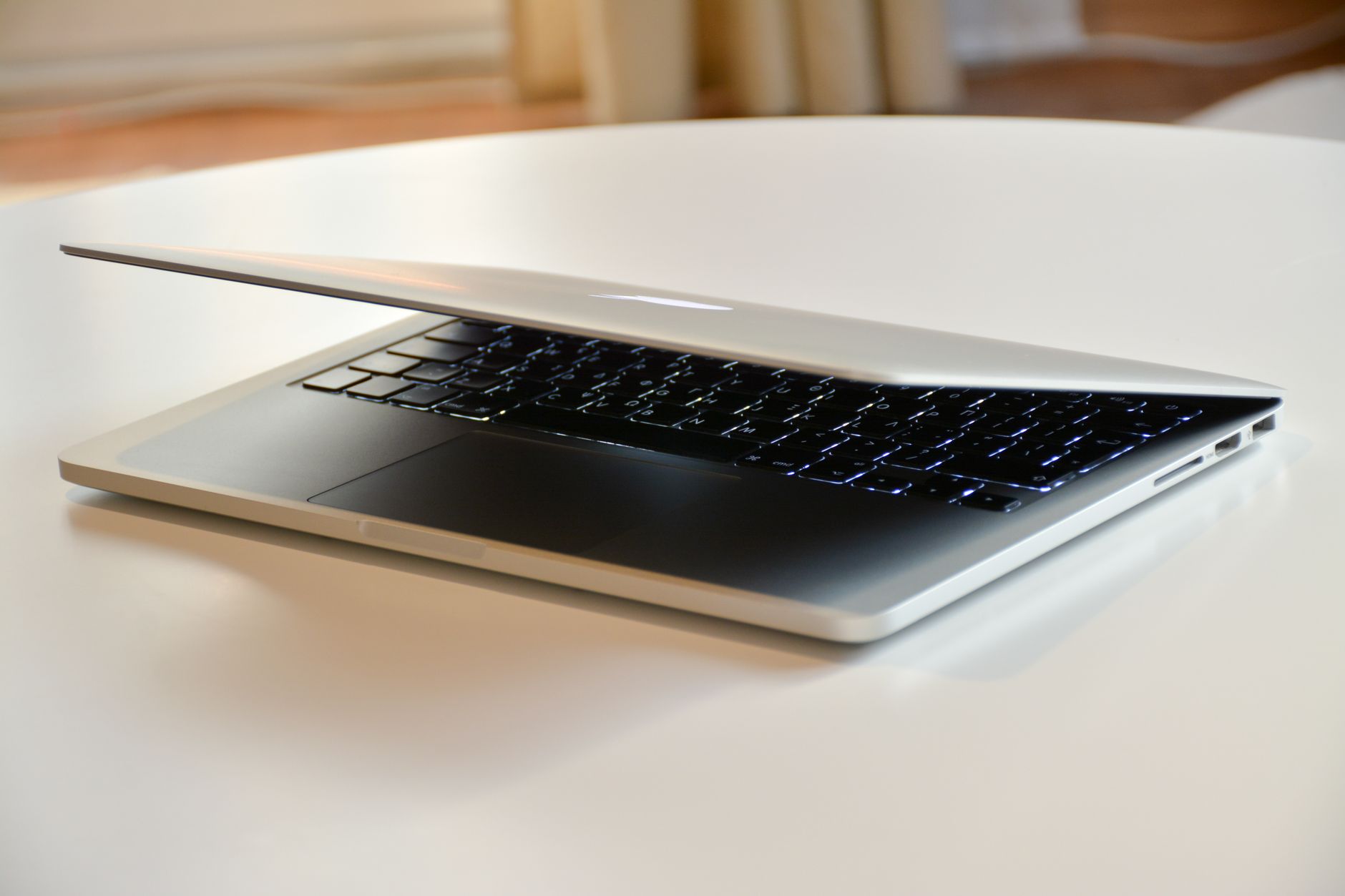
For most MacBook Air owners, Safari is the best default browser, because Apple builds and tests it on that exact hardware and publishes battery figures measured with it. Chrome, Firefox, Edge or Vivaldi become the better choice when a specific need outweighs battery life: extensions that only exist for Chrome, a work account tied to Edge, or tab tools that Safari does not offer. The way to settle it for one particular machine is not a benchmark chart. It is the "12 hr Power" column in Activity Monitor, which shows how much energy each browser actually used over a normal working day.
This guide explains why the MacBook Air changes the question, what Apple's own browser claims are based on, which settings make Chrome behave better on battery, and how to run a fair comparison at home. Vendor pages were checked on October 18, 2026. This site is run by the developer of an app aggregation browser for macOS, which is mentioned once near the end.
Why a MacBook Air changes the question
A MacBook Air is not slow. The current model on Apple's specifications page uses the Apple M5 chip with 16GB of unified memory as standard, configurable to 24GB or 32GB (Apple: MacBook Air specifications). For loading pages, any modern browser is fast enough on this hardware.
What makes the Air different is its design. Apple describes it as having "a silent, fanless design." Without a fan, there is no extra cooling to call on during a long stretch of heavy work. A browser that keeps many background tabs busy adds steady load all afternoon, so on an Air it pays to keep that background load low.
The second factor is battery. Apple lists up to 18 hours of video streaming and up to 15 hours of wireless web on the specifications page. The footnote explains the conditions: the wireless web test browsed 25 popular websites over Wi-Fi, the video test played 1080p content in Safari, and display brightness was set to 8 clicks from the bottom. Those figures describe Apple's test with Apple's browser. A different browser, more tabs, or brighter screen will produce a different number.
So the useful questions for an Air are: how much energy does the browser draw in the background, how much memory does it hold, and does it offer controls to limit both.
What Apple's Safari numbers actually measure
Apple's Safari page makes two headline claims: Safari is "the world's fastest browser," and it gives "up to 5 hours more streaming videos compared with Chrome," with up to 18 hours of video streaming (Apple: Safari). Both are backed by footnotes worth reading before treating them as a verdict.
| Claim | How Apple measured it |
|---|---|
| Fastest browser | JetStream 3.0, MotionMark 1.3.2 and Speedometer 3.1 benchmarks, August 2026, on a 15-inch MacBook Air with M5, comparing prerelease Safari 27.0 with the then-current Chrome, Edge and Firefox |
| Faster page loads than Chrome | Snapshot versions of 12 popular websites under simulated network conditions, same hardware |
| Up to 5 more hours of video than Chrome | 1080p video streaming on battery, Wi-Fi, brightness at 8 clicks from bottom, prerelease Safari 27.0 against Chrome 151 |
The footnotes are honest about the limits. They say performance and battery life vary with usage, configuration and network. The video test is a single workload: one tab playing video. It says little about a workday with mail, chat, documents and twenty research tabs open at once, which is how most people use an Air.
The fair reading is that Safari has a measured advantage on Apple's hardware for the tasks Apple tested, and that the gap for a mixed workday has to be measured on the user's own machine.
Making Chrome behave on battery
Many people stay on Chrome for good reasons: extensions, sync with an Android phone, or company policy. Chrome has two settings under Settings, Performance that matter most on an Air (Chrome Help: customize performance).
Energy Saver. According to Google, Energy Saver reduces the image capture rate and other background tasks. When it is on, it works automatically whenever the device is unplugged or the battery is low, and it does not turn on when plugged in. It stops eligible CPU-intensive background tabs, while tabs using video conferencing or playing audio are not affected. Google notes that game and video performance may change while it is active.
Memory Saver. This deactivates tabs that are not in use, freeing memory, and reloads them when they are opened again. It has three levels: Moderate, Balanced (recommended) and Maximum. Some tabs are not deactivated, including tabs playing audio or video, sharing a screen, with partly filled forms, with active downloads, and pinned tabs. Sites that must never reload can be added to the "Always keep these sites active" list.
Google's general advice on speed also applies here (Chrome Help: make Chrome faster). It recommends updating Chrome, closing unused tabs, disabling extensions that are not needed, and using Chrome's own Task Manager, under More tools, to sort tasks by memory and end the ones that are not needed. On an Air, extensions are often the hidden cost, since several of them run all the time regardless of which tab is open.
The other browsers in brief
The choice is rarely between Safari and Chrome alone. A short, factual view of the others:
- Firefox. Runs on its own engine rather than on Chromium or WebKit. Since version 138, according to Mozilla's release notes, it includes tab groups for all users (Firefox 138 release notes). A reasonable pick for people who want an independent engine with tab organization built in.
- Microsoft Edge. Built on Chromium, so most Chrome extensions work. Its Workspaces feature, which requires Edge 144 or later and a Microsoft or Azure AD account, groups tabs into named sets that sync across devices (Microsoft Support: Edge Workspaces). Useful where work accounts already live in Microsoft 365.
- Vivaldi. Also Chromium-based, with heavy customization. Its Tab Stacks can group every open tab by website in one action (Vivaldi Help: Tab Stacks). Suited to people who live in dozens of tabs and want control over how they are arranged.
None of these vendors publishes a MacBook Air battery figure comparable to Apple's Safari test. That is one more reason to measure rather than rely on charts.
A fair test to run on one machine
Activity Monitor already records what each app costs in energy. Apple's guide describes the Energy pane, which shows "Energy Impact" as a relative measure of current consumption, and "12 hr Power," the average energy impact over the last 12 hours or since the Mac started, lower being better (Apple Support: view energy consumption). The 12 hr Power column only appears on Mac laptops, which makes it built for exactly this question.
A simple comparison:
- Pick two browsers to compare. Install the same essential extensions in each, and nothing more.
- On day one, use only the first browser for a full workday on battery. Keep brightness at the same level each day.
- At the end of the day, open Activity Monitor, click Energy, and note the browser's 12 hr Power value and the remaining battery percentage.
- Restart the Mac so the 12-hour window starts fresh, then repeat on day two with the second browser.
- During both days, check the Memory pane once in the afternoon. Apple's guide says green memory pressure means RAM is being used efficiently, yellow means it may soon run short, and red means more RAM is needed (Apple Support: check if a Mac needs more RAM).
Two days of real use say more about that specific laptop and workload than any benchmark. If the difference is small, choose on features. If one browser clearly drains more or pushes memory pressure into yellow, that settles it.
Reading the Energy pane beyond one number
The 12 hr Power value is the headline, but the same pane has columns that explain why a browser costs what it does. Apple's guide lists them (Apple Support: view energy consumption):
- Energy Impact shows current consumption. Watching it while switching tabs reveals which page is busy. A tab that keeps the number high while it sits in the background is the one to close or let Memory Saver deactivate.
- App Nap shows whether macOS has put the app into a low-activity state. A browser that never naps while it is hidden behind other windows is doing work in the background.
- Preventing Sleep shows whether an app is keeping the Mac awake. A forgotten video, a call tab or a page holding a wake lock can stop the Air from sleeping with the lid open on a desk.
Browsers based on Chromium list several helper processes in Activity Monitor rather than one entry, so the totals can look spread out. To see which tab or extension is behind them, open Chrome's own Task Manager from More tools and sort by memory or CPU. Google's help page suggests looking for items labeled as background pages, which keep running even when no tab shows them, and ending tasks that are not needed. Any unsaved work in an ended task is lost, so save first.
Checking these columns once a week is enough. The goal is not a perfect number but catching the one extension or tab that quietly costs an hour of battery.
When the problem is the number of web apps
The test often shows something unexpected: the browser is fine, but the workload is heavy. Mail, chat, calendars, project tools and AI assistants all run as web apps that stay open all day. With two mail accounts and three chat workspaces, a browser can carry a dozen always-on tabs before any research begins. Switching browsers does not change that.
One way to handle this is to separate the always-on web apps from browsing. Chrome profiles do this, at the cost of a separate window per account. An app aggregation browser does it differently: on macOS, one such browser keeps each web app in its own section with its own cookie container, so several accounts of the same service stay signed in side by side. Its Features page describes how apps are arranged, and its Pricing page lists a free tier of one workspace with up to three apps and a paid plan at $7 per month. The Compared with Shift page sets out how a similar product limits its free plan. Whether this saves energy depends on the web apps themselves, so it is worth running the same 12 hr Power test before and after.
What to change first
Start with Safari for a day and Chrome with Energy Saver and Memory Saver turned on for another, and compare the 12 hr Power values in Activity Monitor. Keep whichever drains less for the way the machine is actually used, and if the always-on web apps are the real load, consider moving them into a dedicated tool such as SpaceDeck.
Frequently asked questions
Is Safari or Chrome better for a MacBook Air battery?
Apple's own tests, run in August 2026 on a MacBook Air with M5, found up to 5 hours more video streaming with Safari than with Chrome. That test played one video under fixed conditions. For a mixed workday, compare the 12 hr Power values in Activity Monitor's Energy pane after a day with each browser.
Does Chrome have a battery saving mode on Mac?
Yes. Chrome's Energy Saver, under Settings, Performance, turns on automatically when the laptop is unplugged or the battery is low. It reduces background tasks and stops eligible CPU-intensive background tabs, while tabs in video calls or playing audio are not affected.
Is 16GB of memory enough for heavy browsing on a MacBook Air?
It depends on how many web apps stay open and how heavy they are. Open Activity Monitor, click Memory, and look at the memory pressure graph during a busy afternoon. Apple's guide says green means RAM is used efficiently, while yellow or red means it may run short.
Do browsers based on Chromium use less battery than Chrome?
There is no published figure that answers this for a MacBook Air. Edge and Vivaldi share Chromium with Chrome but add their own features and settings. The reliable way to know is to use each browser for a full day on battery and compare the 12 hr Power values in Activity Monitor.