Learn
Working on a Mac with many web apps open, without losing your place.
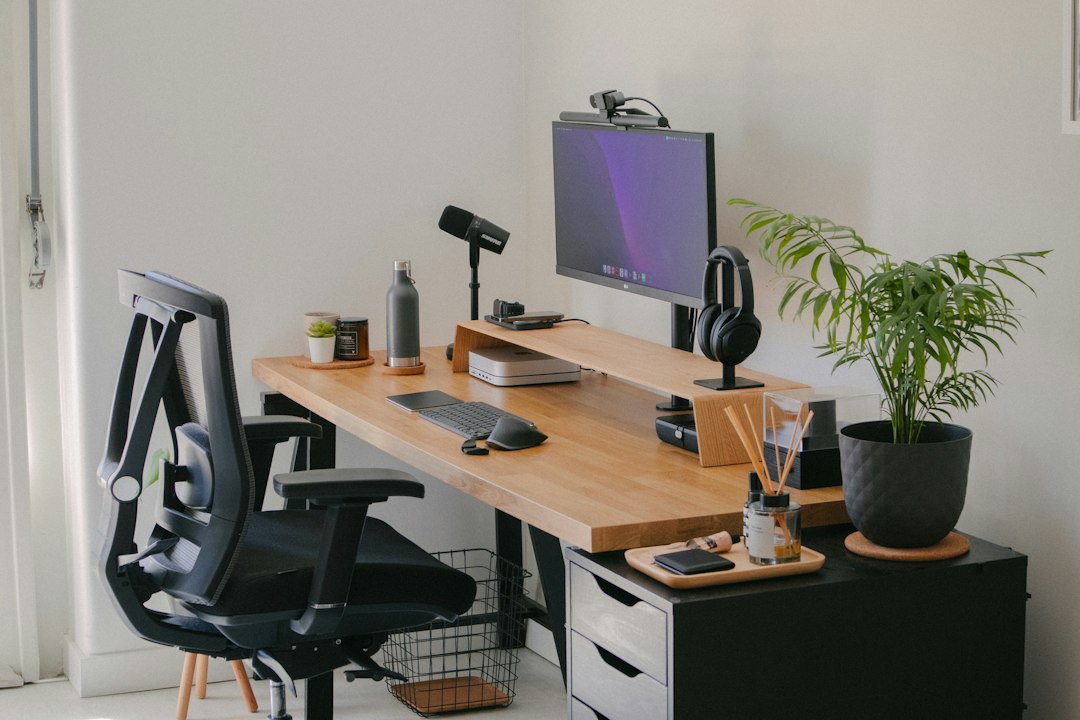
Multi screen on a Mac: which app belongs on which display
A mac multi screen setup pays off once each app has a fixed home. How many displays each Mac drives, how to pin apps to a screen, and what a monitor cannot fix.
Changing or muting notification sounds on a Mac
Mac notification sounds come from three different places. Which control changes which sound, how to mute one app, and where per app sound stops working.
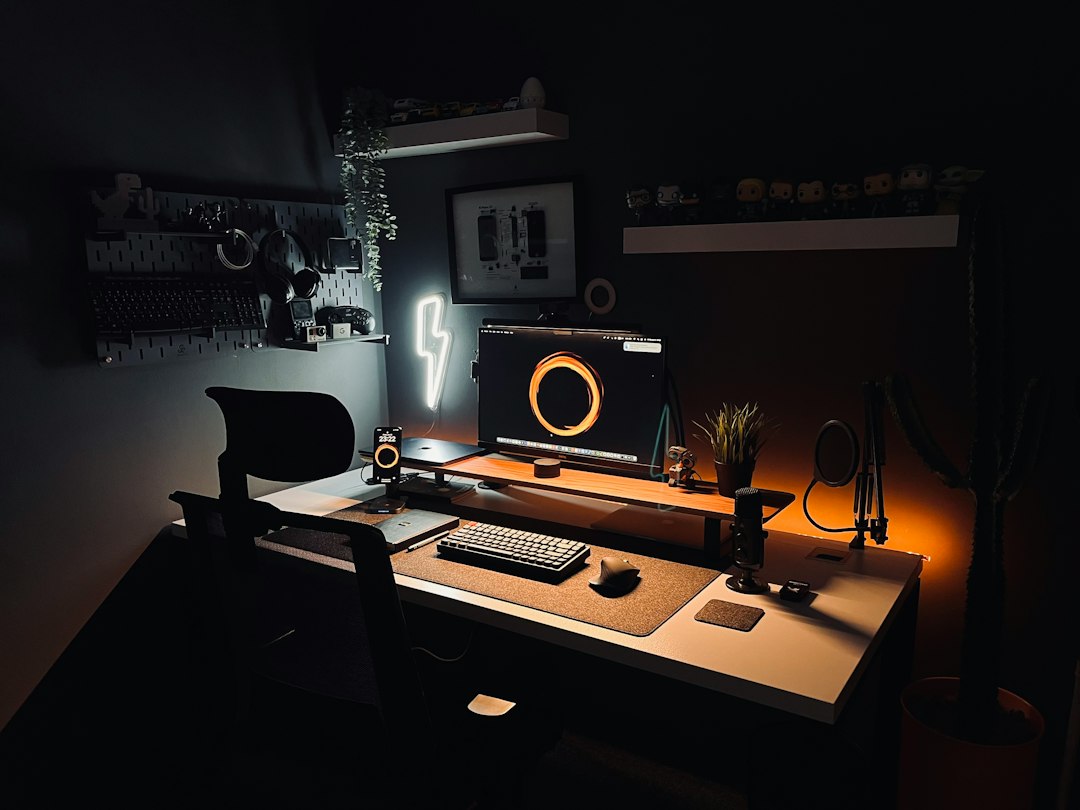
A window manager for Mac OS: what to fix before installing one
A mac os window manager moves windows, not tabs. What macOS already tiles, what Rectangle, Magnet, Moom and AeroSpace add, and the check to run first.
Application memory on a Mac: what fills it when tabs pile up
What application memory on a Mac really measures, how to read the Memory tab in Activity Monitor, why browsers dominate the list, and which changes lower the pressure.
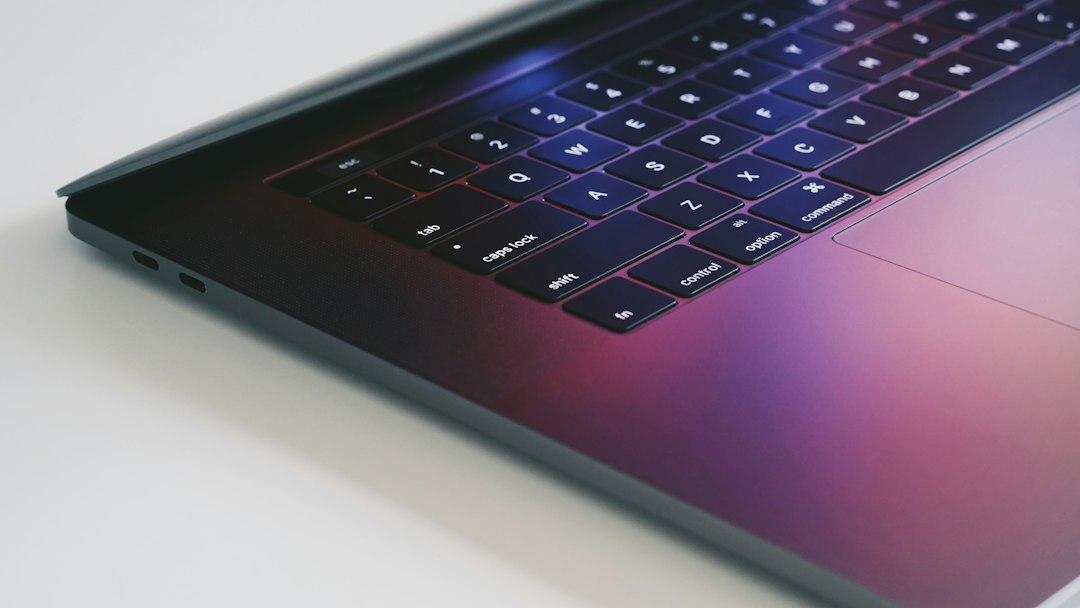
A Mac RAM usage monitor tells you which tab to close first
A mac ram usage monitor is only useful if it points at something. How to read memory pressure, find the process that is costing you, and act on it.
Why Is My Mac So Slow All of a Sudden: Tracing What Changed
Why is my Mac so slow all of a sudden: the word suddenly narrows the list. How to read three gauges in order and find the change that started it.
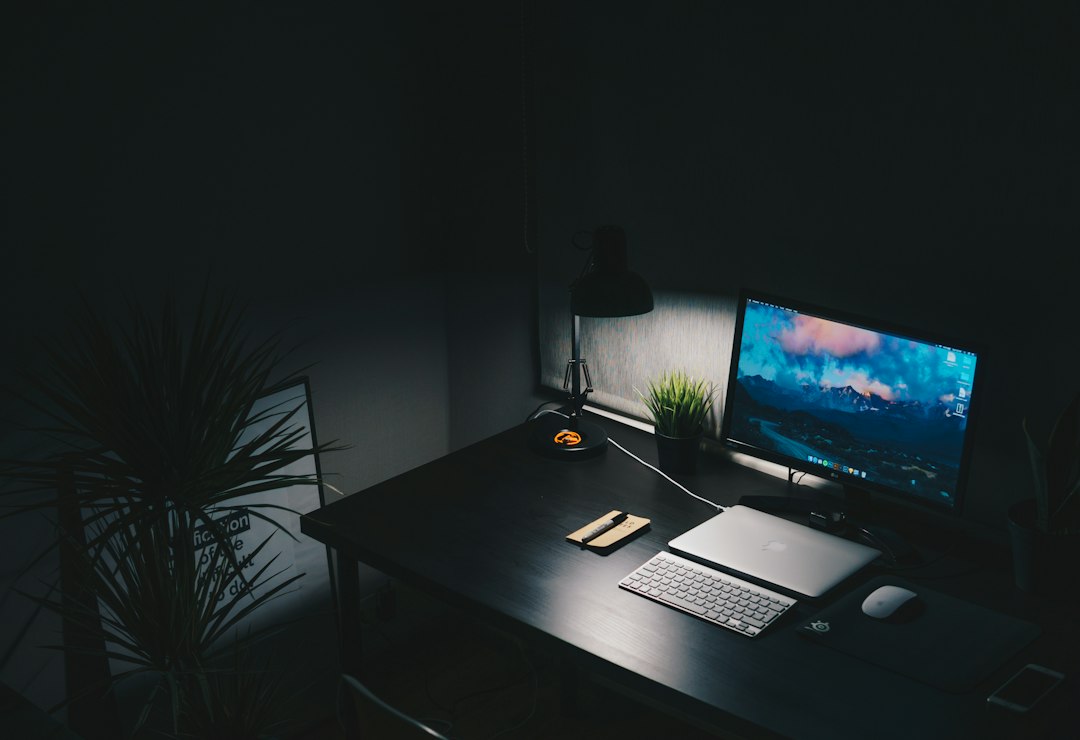
Splitting a terminal window on the Mac so logs and commands sit side by side
What a Mac split terminal really gives you: what Command-D does in Terminal, which tools give two live shells in one window, and how to keep logs in view.

Mac Split View: keeping two web apps in sight at once
Mac Split View is a space, not a layout. What it does, how it differs from tiled halves, and which one keeps two web apps visible while you work.