Learn
Working on a Mac with many web apps open, without losing your place.

Bartender on a Mac: taking the menu bar back from your apps
What Bartender does on a Mac, what macOS already handles without it, how the free alternatives compare today, and the version timing risk nobody mentions.
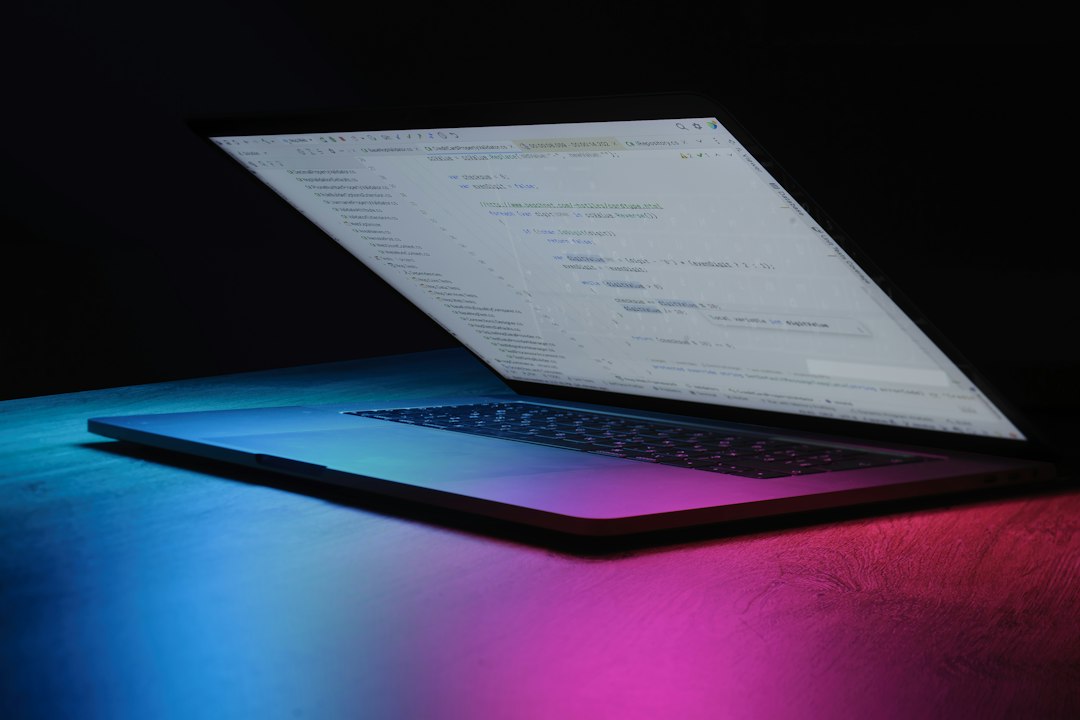
A new tab for Chrome: making the first screen useful again
What Chrome can change about the new tab for Chrome without an extension, what an override extension really does, what it costs, and how to pick one.

The GPU process in Chrome: why it shows up twice in Activity Monitor
What the GPU process in Chrome does, why Activity Monitor lists it more than once, the 25 second watchdog on macOS, and how three crashes demote it to software.
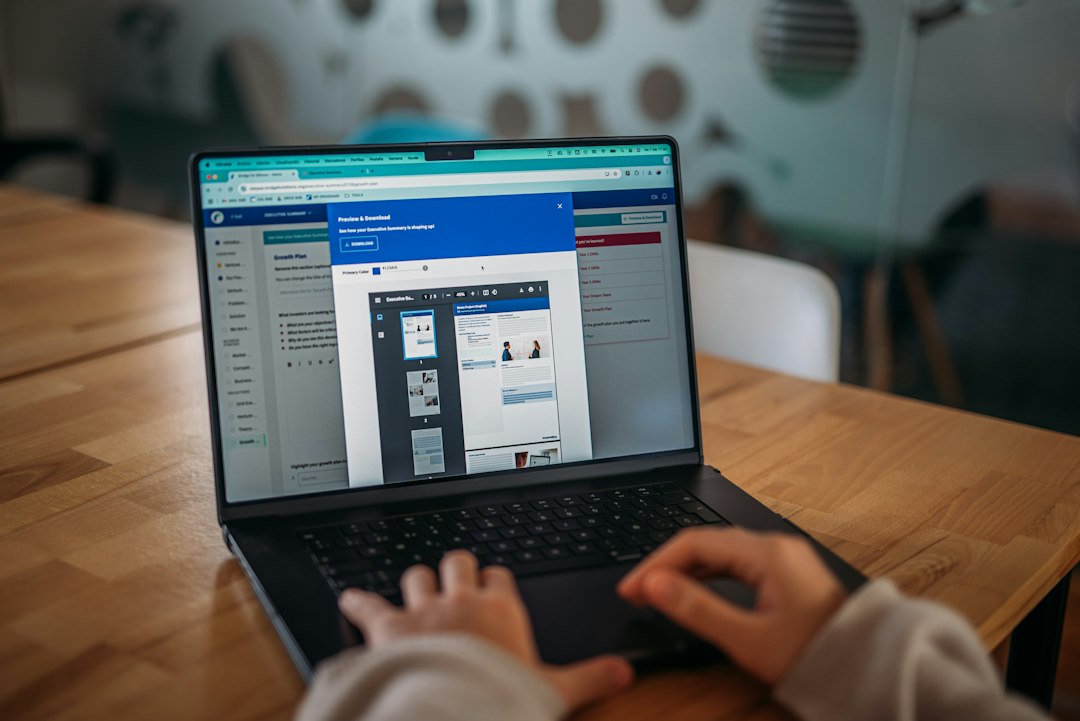
Chrome keeps signing me out: where the session goes
Chrome keeps signing you out because a sign-in is a cookie in a profile. Here is what deletes it, how to tell the causes apart, and which fix matches which pattern.
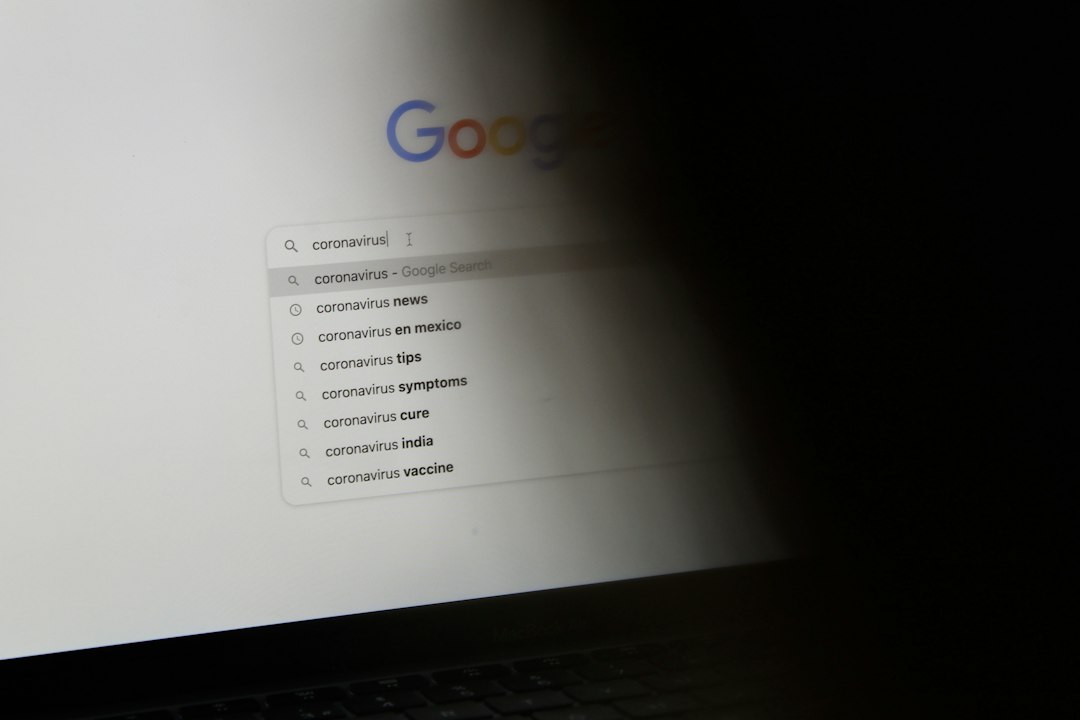
When Google Chrome might not have screen recording permission in macOS
Google Chrome might not have screen recording permission in mac: what the picker is actually reporting, where Apple moved the switch, why a restart is required.

Add a website to the Dock on a Mac so it opens like an app
How to add a website to the Dock on a Mac, what a Safari web app copies from the browser and what it does not, the Chrome equivalent, and when to stop adding them.

Alfred as a productivity app: launching and switching from the keyboard
What the free Alfred productivity app does, what the paid Powerpack adds and costs, how it sits next to Spotlight and Raycast, and the problem it does not solve.

Best menu bar apps for a Mac when you work in the browser all day
Which menu bar apps for Mac earn their space, what macOS already does for free, how the managers differ on price and permissions, and what to install first.