Learn
Working on a Mac with many web apps open, without losing your place.
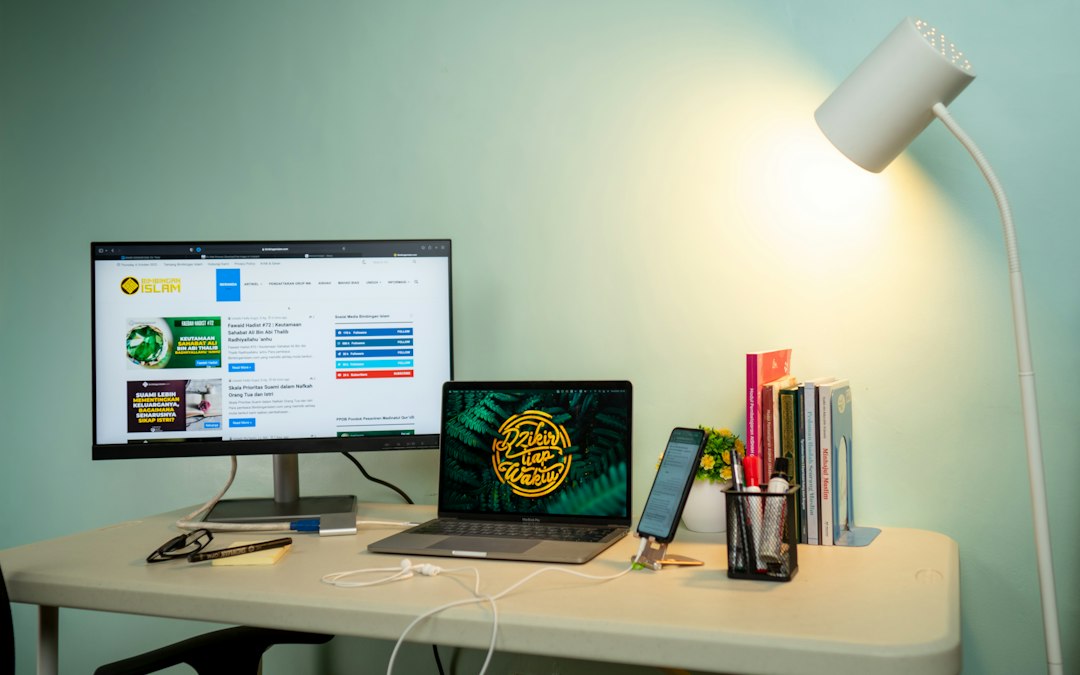
Install a website as an app in Safari on a Mac, step by step
Install a website as an app in Safari on a Mac: the exact steps, the settings worth fixing at creation time, what the web app keeps separate, and where it stops.
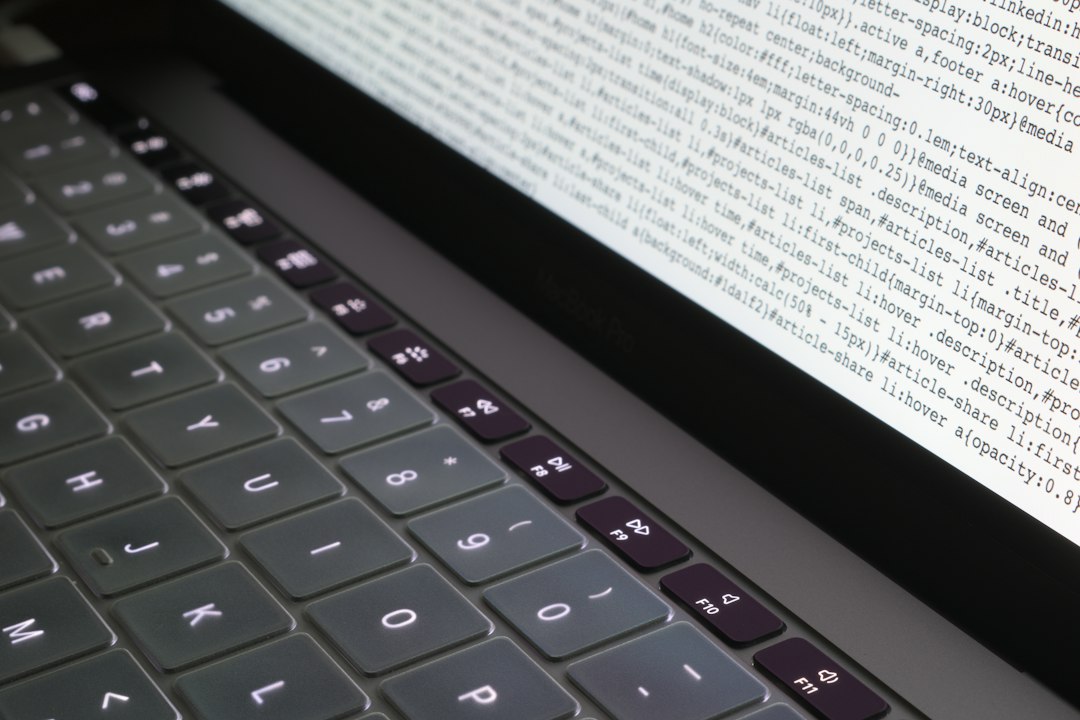
Installing the Chrome browser on a Mac: the steps that matter later
Installing the Chrome browser on a Mac takes four steps. The decisions that follow, about updates, defaults, imports and profiles, are the ones that last.
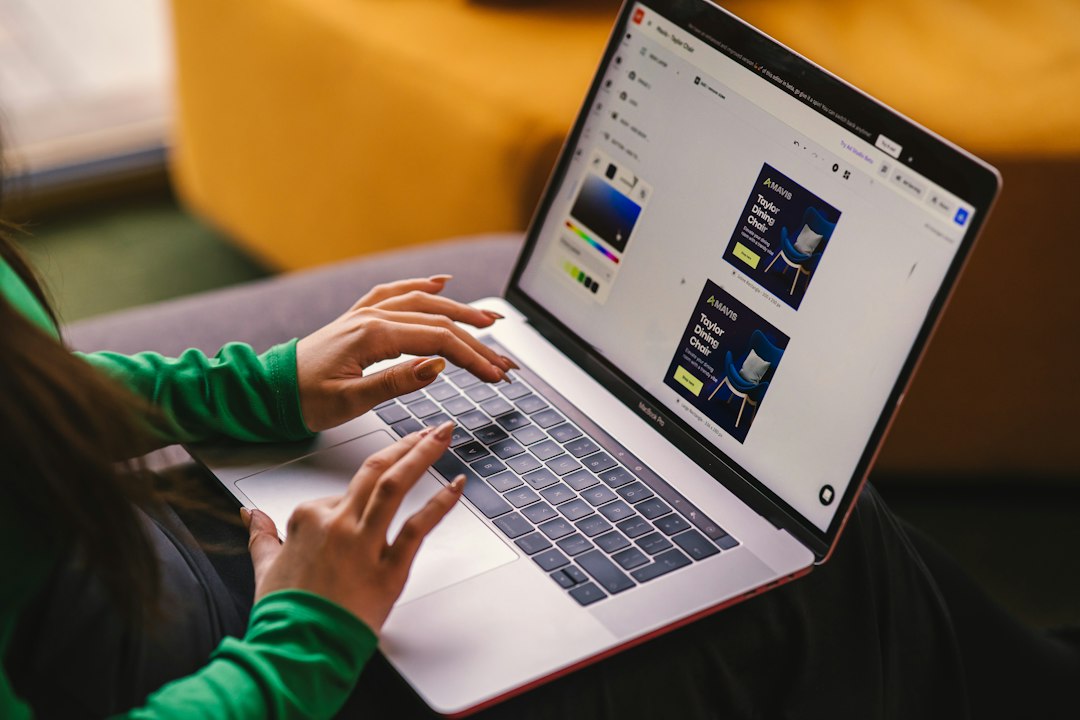
A Zoom meeting in the browser: when it is the better choice
A Zoom meeting in the browser is not just the fallback. The four cases where it beats the app, the features it gives up, and the browser versions it needs.
Google Calendar for Mac desktop: keeping the month in its own window
Google Calendar for Mac desktop: why there is no app to download, what offline mode really covers, how the Apple Calendar route differs, and what to change.
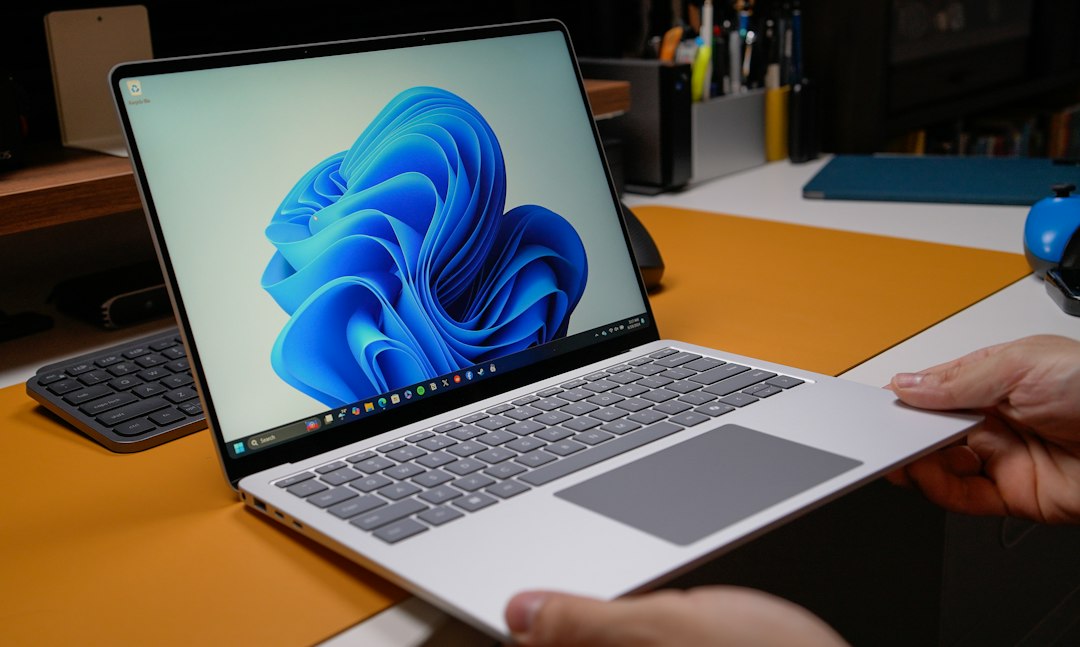
Google Documents on the desktop: a window instead of a tab
Google Documents has no desktop application on a Mac, so the desktop question is really a window question. Here is what each official option gives, and what it costs.
A Google Drive Dark Mode Extension: Darkening a Site With No Switch
Looking for a Google Drive dark mode extension: Drive now has a native setting, the editors do not, and here is what to do about each surface on a Mac.

Google Meet Audio Not Working: Output, Input and Permission
Google Meet audio not working on a Mac splits into three faults: output, input and permission. How to tell which one you have, and what to change.
Google Meet Camera Blocked: Undoing a Permission You Denied
Google Meet camera blocked on a Mac usually means a stored answer, not broken hardware. How to find which of the three layers said no, and how to reverse it.