Learn
Working on a Mac with many web apps open, without losing your place.

Chrome profile switcher options on a Mac
A chrome profile switcher cannot be an extension, and the reason is structural. Here is what Chrome actually provides on a Mac, and four ways to switch faster.

Chrome profile sync: what travels and what stays put
Chrome profile sync explained: what each profile saves to its Google Account, how to sync history and tabs, what a passphrase changes, and what stays local.

Switching Chrome Between English and Japanese on a Mac
Switching Chrome between English and Japanese on a Mac fails when three separate settings get confused. Here is what each one controls, where it lives, and which one to change.

Chrome slow with too many tabs? Measure before closing
When Chrome slows with many tabs, sort its Task Manager by memory before closing anything. How to read each row, set Memory Saver, and spot a Mac-wide cause.

Chrome workspace subscription: what you pay for
A Chrome workspace subscription can mean three different bills. What Chrome gives away free, what the paid tab workspace tools charge, and what happens if you stop.

Chrome workspaces like Edge, and what maps across
Chrome has no Workspaces feature like Edge. Which Edge behavior saved groups, profiles and an extension cover, which part they cannot, and how to set up.

Create a Chrome profile shortcut on the desktop, on macOS
How to create a Chrome profile shortcut on the desktop of a Mac: three methods that work, how to find the right profile folder, and fixes for wrong accounts.
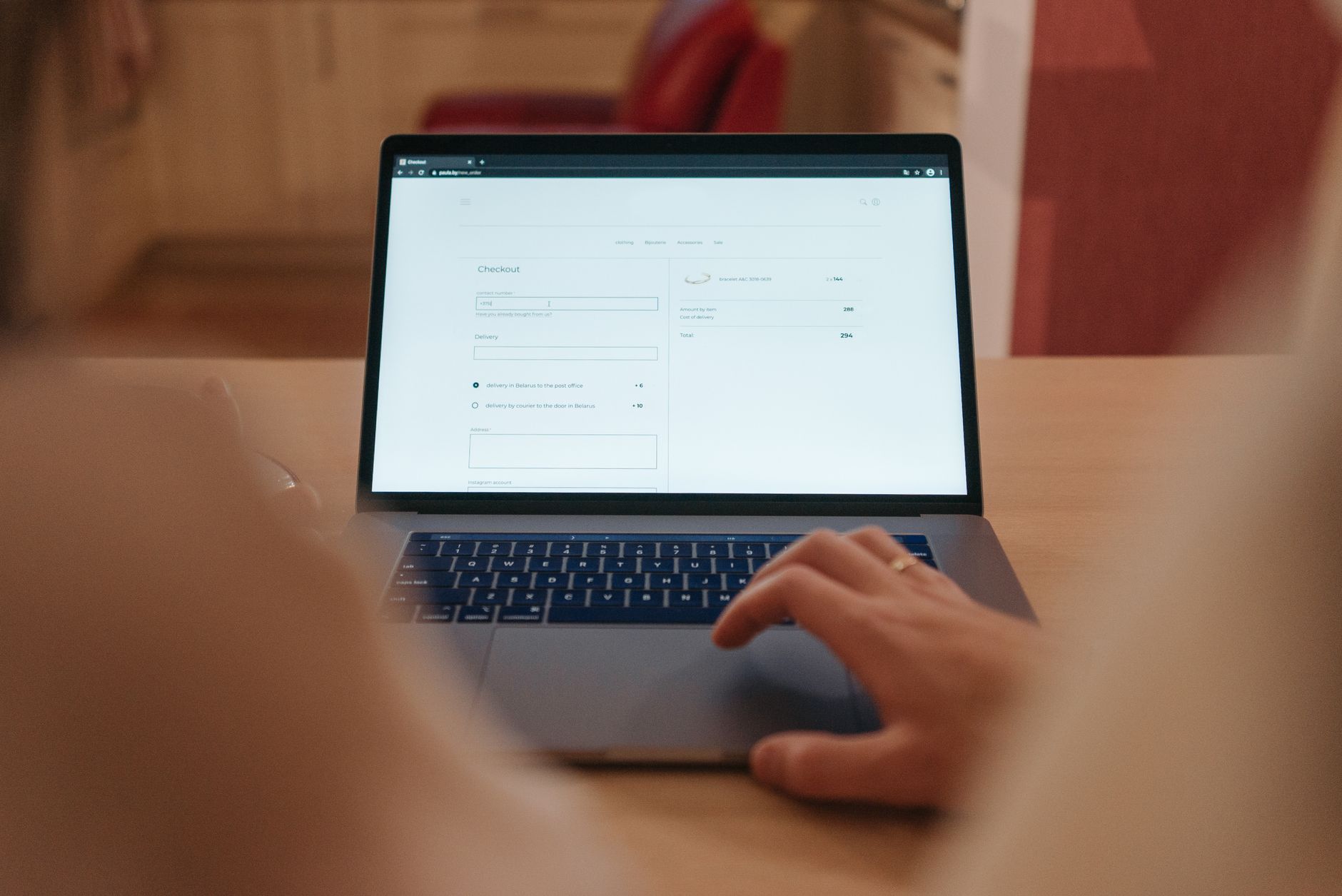
Separating work and personal on one MacBook
Different profiles on a MacBook can mean a macOS user account, a browser profile, or an in-app switch. Here is what each one separates and which to build.