Learn
Working on a Mac with many web apps open, without losing your place.

The Google account switcher: why it sends you to the wrong account
Why the Google account switcher lands you in the wrong account, what Google documents about default accounts, and the fixes that actually hold on a Mac.
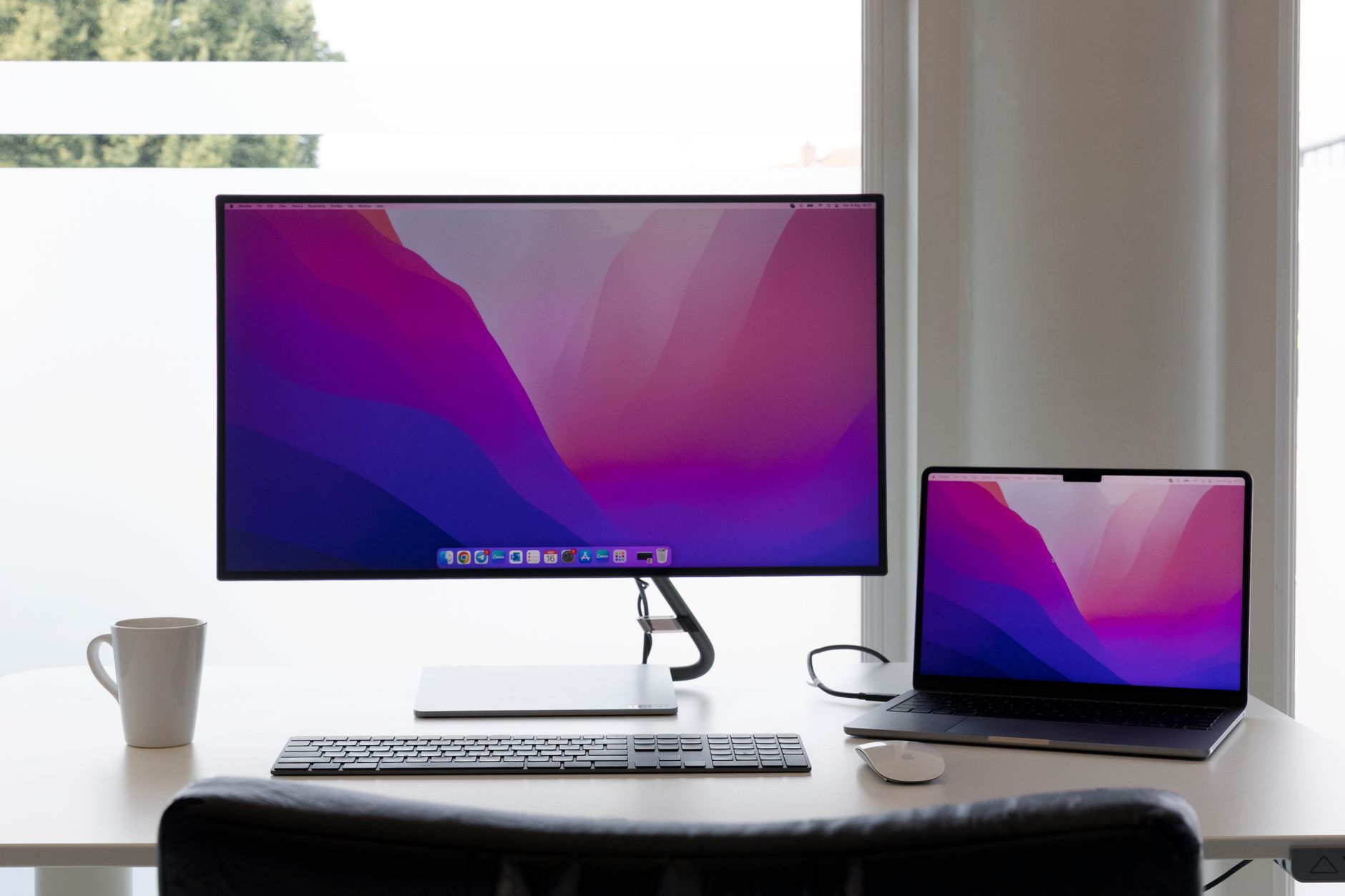
Displays have separate Spaces on a Mac: what the setting changes
Displays have separate Spaces on a Mac changes four behaviours at once. What Apple documents the checkbox does, what breaks when it is off, and which state fits a second display.

Does Migration Assistant Transfer Everything: The Parts It Skips
Does Migration Assistant transfer everything? It moves documents, apps, accounts and settings, but some things arrive broken. Here is what to expect and fix.

The Edge sidebar: a second place for the apps you check often
The Edge sidebar explained for people who live in web apps: what the pane actually is, which apps ship in it, how to add a site, the known gap, and what admins can block.

An email client for multiple accounts, or one window each
An email client for multiple accounts on a Mac: what each free tier actually allows, where a unified inbox helps, where it backfires, and what to change first.
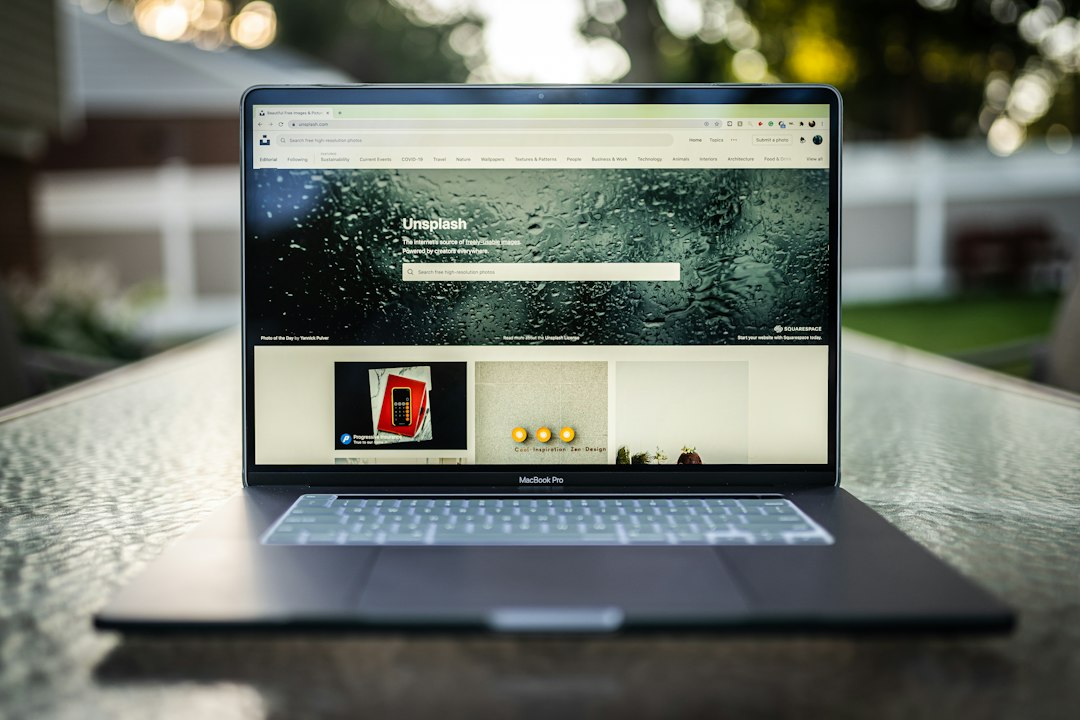
Export Chrome Passwords: The Steps Before You Move to a New Mac
How to export Chrome passwords on a Mac, what the CSV file really contains, which apps accept it, and the cleanup step that most guides leave out.
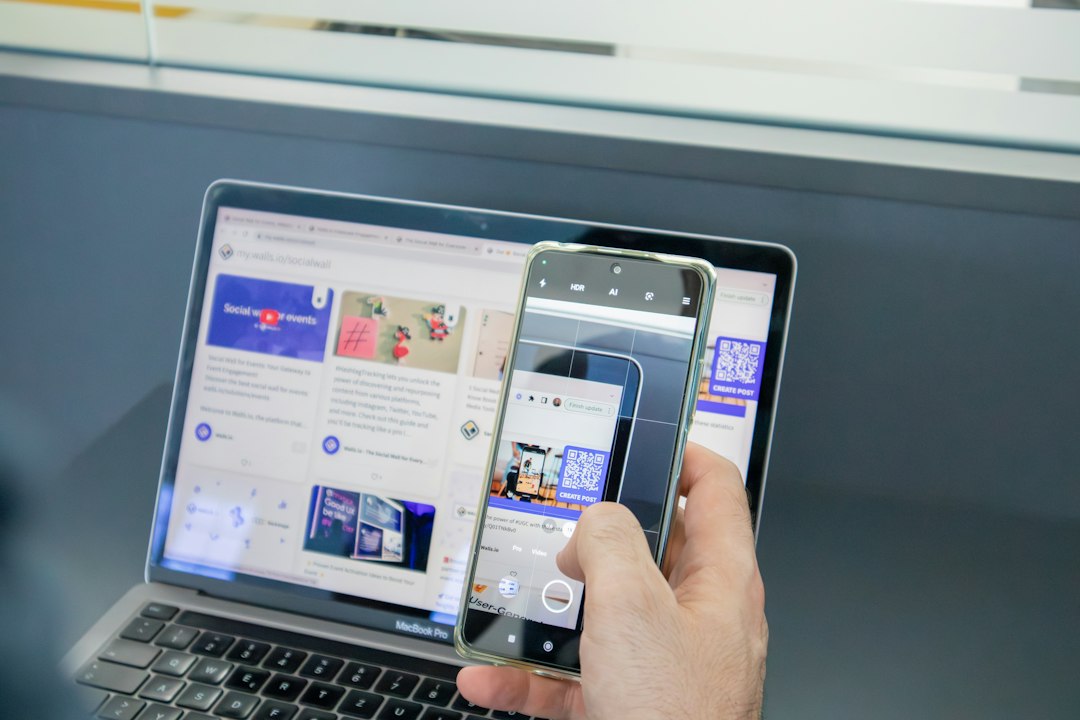
Chrome Export of Passwords and Bookmarks: Two Files, Two Risks
A Chrome export of passwords and bookmarks produces two files in two formats. Here are both routes, where each file imports, and the cleanup only one needs.

Export Chrome Settings: What Can Be Saved and What Cannot
There is no single command to export Chrome settings. What each supported export actually produces on a Mac, what only sync carries, and what never moves.