Learn
Working on a Mac with many web apps open, without losing your place.
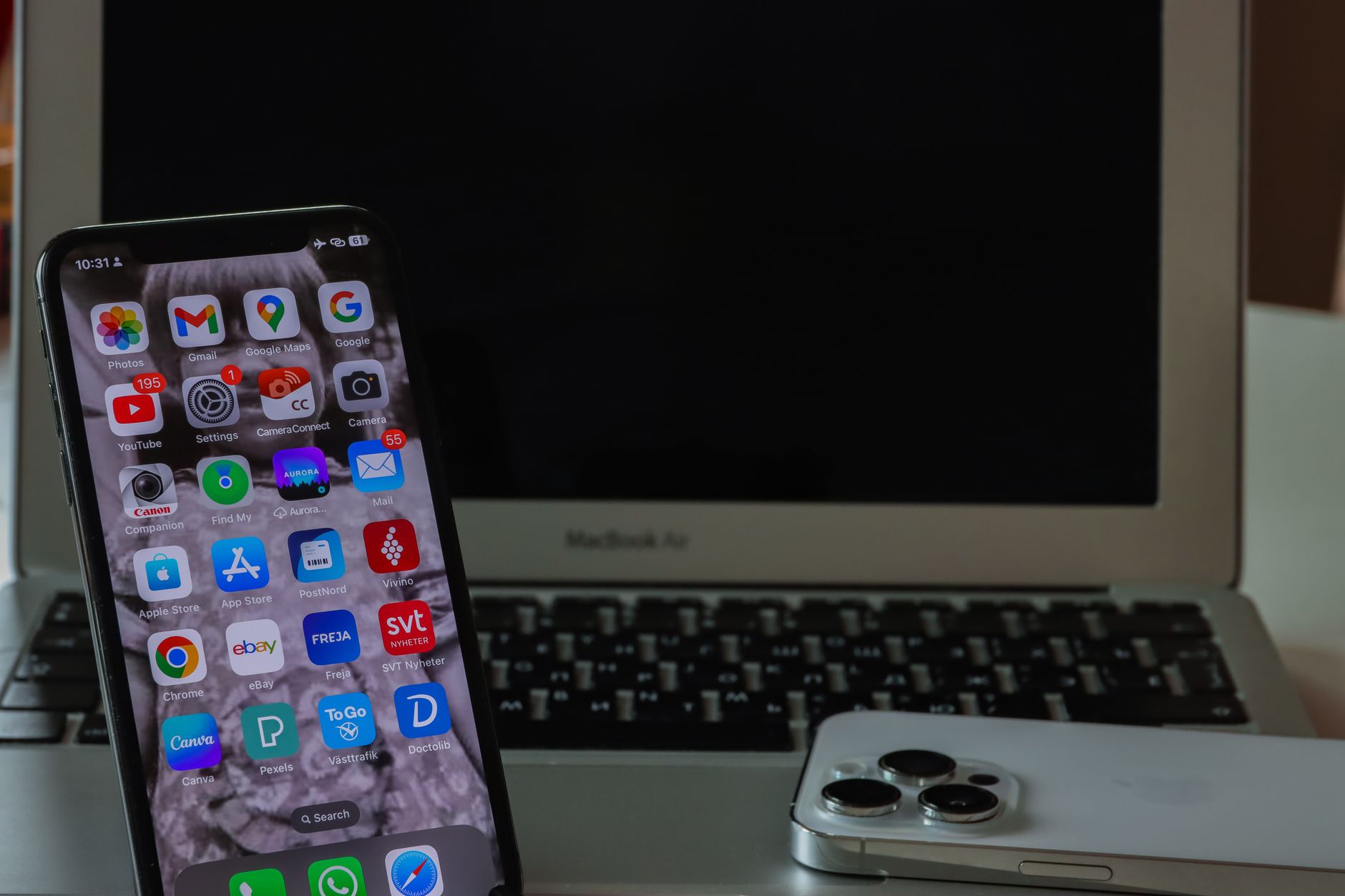
Mac email apps that cope well with several accounts
The best email app for multiple accounts on Mac depends on one number: how many accounts the free tier allows. Published limits and prices, side by side.

Choosing a window manager for your Mac by how you actually work
The best Mac window manager depends on your setup, not a ranking. Current prices for Rectangle, Magnet, Moom, Swish and the free tilers, and who each one fits.

How Chrome notifications behave on a Mac and where to change them
Chrome notifications on a Mac pass two permission layers before reaching the screen. Where each control lives, and the one problem no setting fixes.

Using Do Not Disturb on a Mac for real stretches of focused work
Do Not Disturb on a Mac is one click, but few people leave it on. How the durations, exceptions and status sharing work, and what it cannot do for focus.

Setting up a second screen on a Mac and deciding what goes where
How to do dual screen on Mac: check display support, connect the cable, extend instead of mirror, and decide which windows belong on which screen.

How to leave Split View on a Mac when it gets in the way
How to exit split screen on Mac, including the case where the second app stays stuck full screen, the Mission Control escape route, and how to stop it recurring.
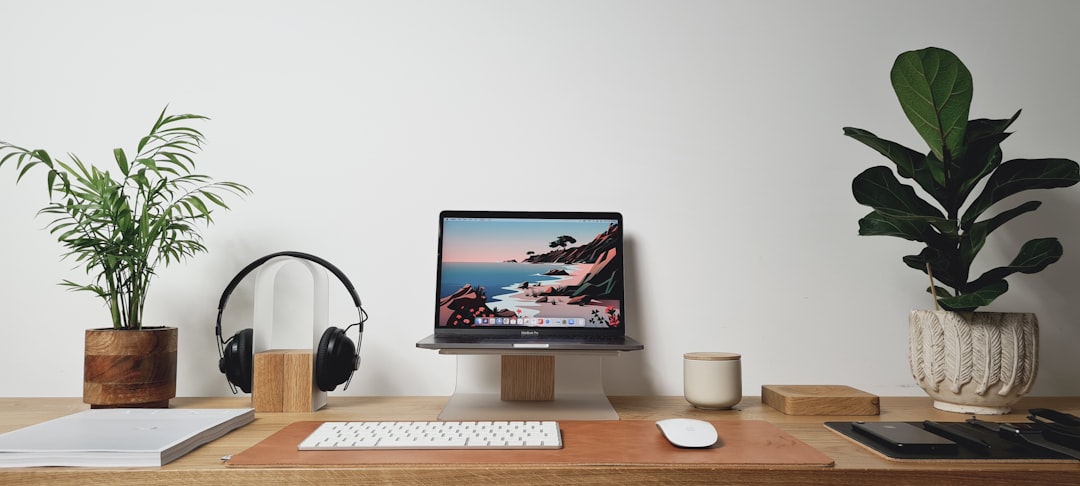
Setting up Opera on a Mac for work
Opera for Mac is a free Chromium browser, so Chrome extensions work unchanged. The first settings to change for work, the sidebar, and where tab tools fail.

Is Opera GX better than Chrome outside of gaming
Opera GX beats Chrome when the browser needs a hard cap on memory, CPU or bandwidth. Otherwise the two are close. VPN, ad blocking and accounts compared.