Learn
Working on a Mac with many web apps open, without losing your place.

Snapping windows into place with the tiling built into macOS
A practical guide to macOS window snapping: the drag targets, the four settings that control it, the full keyboard shortcut list, and where it stops being enough.

Split screen on a Mac display: the layouts worth keeping
Mac display split screen covers two different macOS features with different rules. Here is what Split View locks, what window tiling leaves free, and which layout holds up on an external display.

Mac Keyboard Shortcuts List: The Keys That Move You Between Apps
A Mac keyboard shortcuts list worth memorising, grouped by what each key moves you between, plus how to make your own and why some new ones never work.

A Keyboard Symbols List for the Mac: Reading Shortcut Notation
A keyboard symbols list for the Mac with the exact Unicode character behind each glyph, what Apple calls it, and how to read a stack of modifiers in a menu.
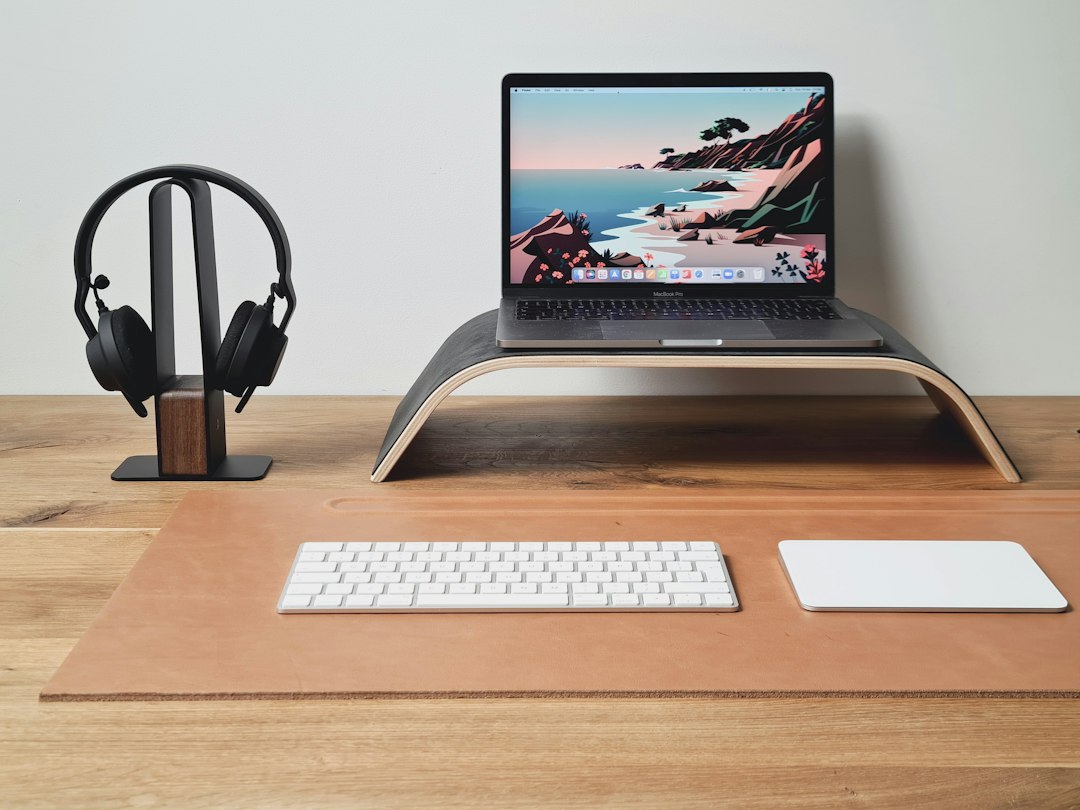
Mac Memory Pressure: Reading the Yellow Graph in Activity Monitor
Mac memory pressure explained: what the graph measures, why yellow is a forecast rather than a fault, and which readings justify doing something about it.

Why Is My MacBook Pro Running So Slow: Where the Work Piles Up
Why is my MacBook Pro running so slow: how to tell a hardware limit from a workload problem, read the Memory tab correctly, and decide the one change worth making.

A Key Remapper on a Mac: Moving the Keys You Actually Press
What a key remapper on a Mac can reach: the built-in Modifier Keys pane, hidutil, Karabiner-Elements, and the point where moving keys stops helping.

Keyboard Maestro on a Mac: automating the clicks you repeat
What Keyboard Maestro on a Mac actually does, the trigger and macro group model, what it costs, and where it sits next to Shortcuts and app launchers.