Learn
Working on a Mac with many web apps open, without losing your place.

What a Chrome workspace can and cannot keep separate
Chrome has no feature called a workspace. Here is what profiles and tab groups actually separate, where the gap sits, and how to tell which layer is missing.

A desktop WhatsApp for Mac that shares one window with your work
Desktop WhatsApp for Mac: requirements, how to link it to your phone, the four device and 14 day rules, what it cannot do, and how to run two accounts on a Mac.

What actually makes a browser fast on a Mac
A browser speed comparison for Mac that reads the 2026 benchmarks correctly, explains which test versions count, and shows the settings that change real speed.

A Ferdium alternative for people who want less setup
A Ferdium alternative compared on setup, sync and multi-account limits, with Franz, Rambox, Wavebox and Shift prices checked on 18 October 2026.
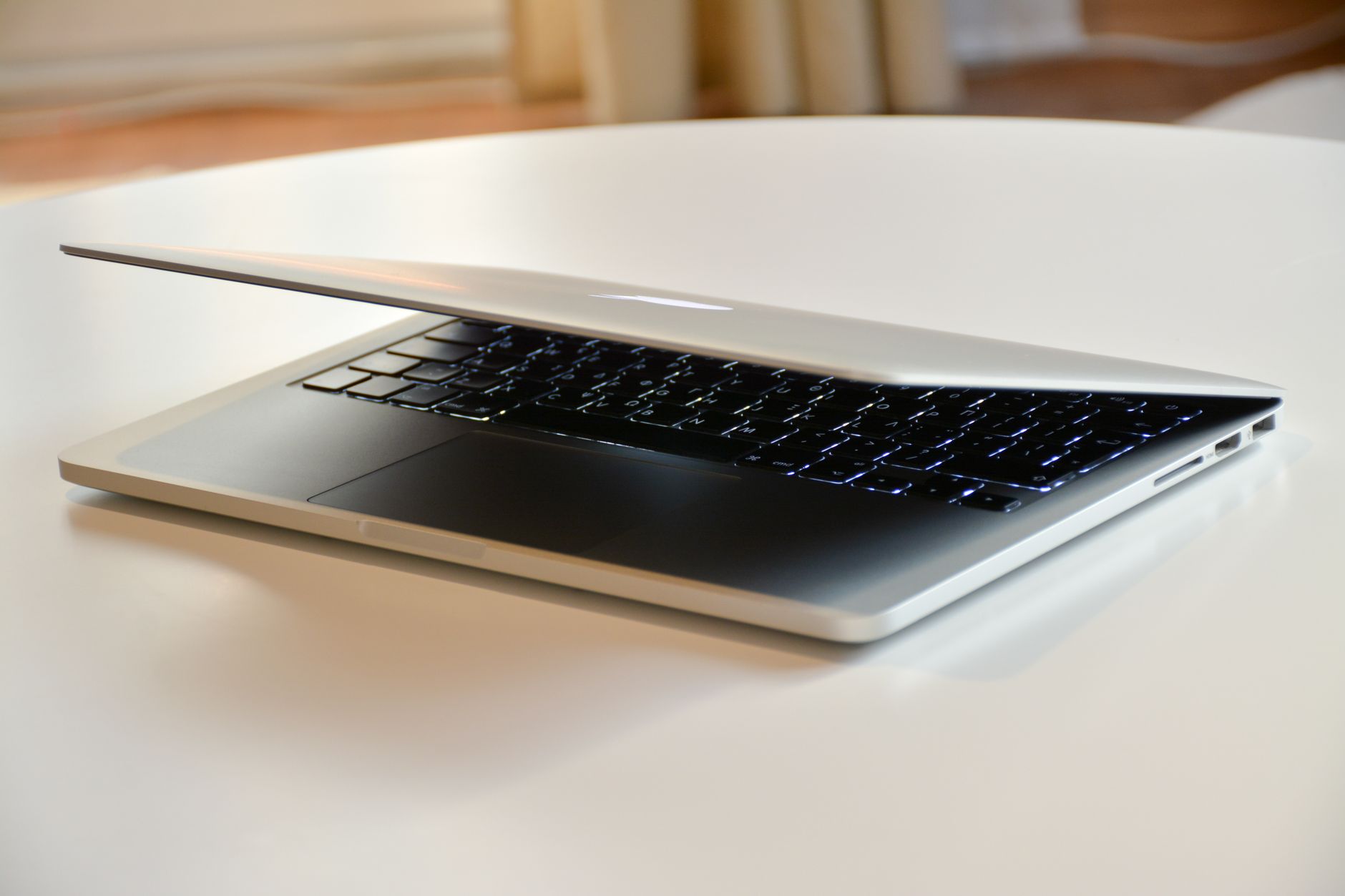
Choosing a browser for a MacBook Air that stays fast
Safari is the best default browser for most MacBook Air owners, as Apple tests it on that hardware. When Chrome wins, which settings help, and a 12-hour test.

Browser for an older Mac: what still gets updates in 2026
Choosing a browser for an older Mac starts with its macOS version. Current minimums for Chrome, Edge, Firefox, Firefox ESR and Safari, checked October 18, 2026.

Picking a Chromium browser for a Mac without losing your extensions
The best Chromium browser for a Mac keeps your extensions working on your macOS version. Brave, Vivaldi, Edge, Chrome, Opera and Arc compared in October 2026.

What a private browser on a Mac can and cannot hide
Private browser on Mac: what Safari, Chrome, Firefox, Brave and Mullvad private modes hide, who can still see you, and the settings to change first.